Speechify
Turn any PDF, web page or photo of a worksheet into natural-voice audio — built for dyslexia.
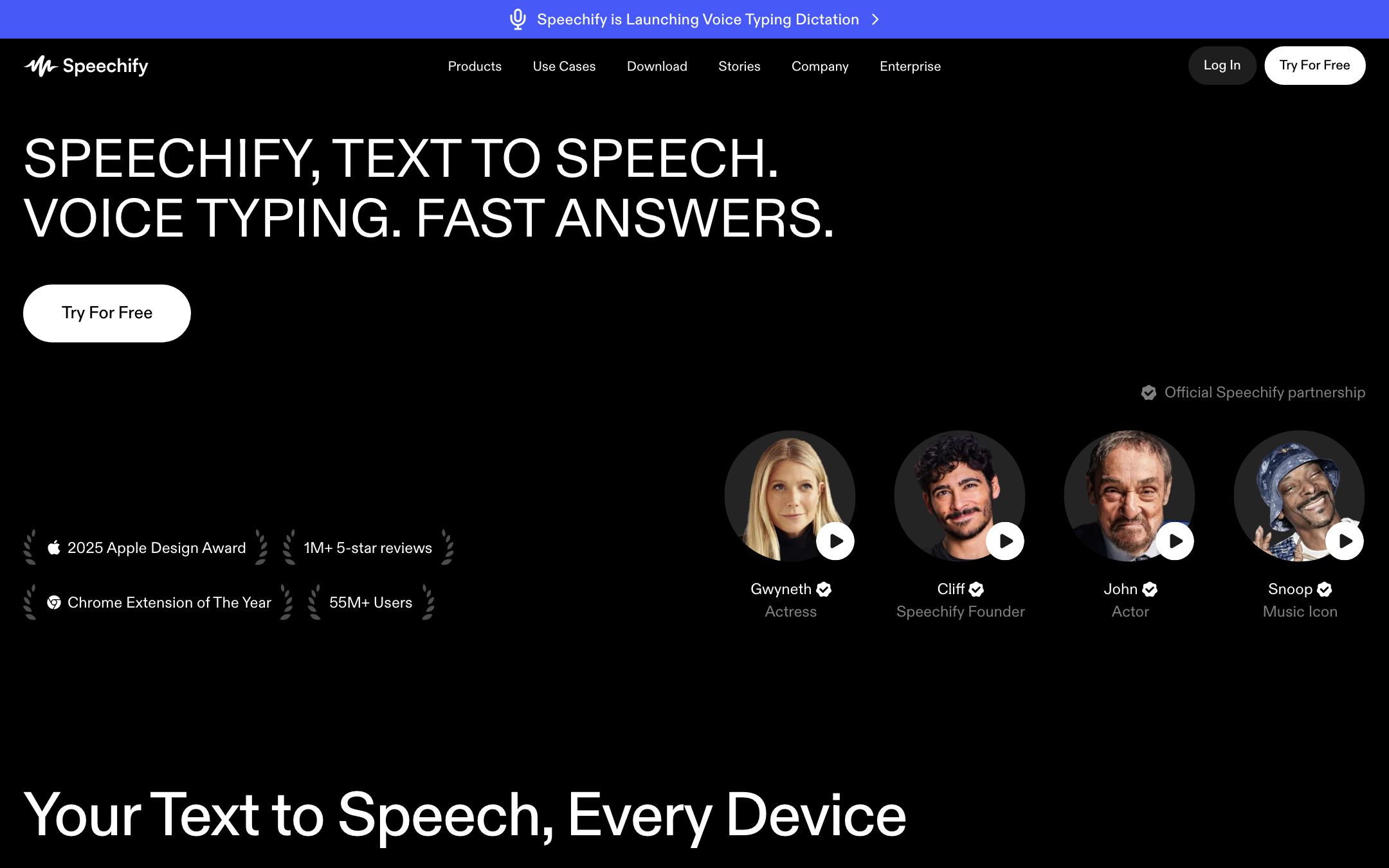
TL;DR
Speechify is the most polished consumer text-to-speech app and the de-facto standard for students with dyslexia. Premium voices are genuinely audiobook-quality; the free tier is enough for casual use.
Recommend it if
A student with a reading-related IEP / 504, an English-learning teen who absorbs better by ear, or any student facing a reading-heavy week.
Skip it if
Your district has Read&Write, NaturalReader or another enterprise TTS already deployed — Speechify is consumer-first and lacks SIS / SSO out of the box.
Quick facts
- Platforms
- WebiOSAndroidChromeEdgemacOS
- Languages
- EnglishSpanishFrenchGermanPortugueseMandarin+55 more
- School fit
- K-5 6-8 9-12 Higher Ed Adult / PD
- Subjects
- All reading-heavy subjectslanguage learning
- Time to first output
- < 1 min
- Learning curve
- Easy
- Setup
- Install browser extension or mobile app
- Works offline
- —
Real-world use cases
How a teacher, student or parent actually puts this tool to work.
| Who | Scenario | Time | Output |
|---|---|---|---|
| Students | 240-page novel due in 3 days — listen to Speechify at 2.2x while you commute and exercise; get through it in 5 hours of audio instead of 20 hours of reading. | 5 hr listening | Whole novel consumed |
| Parents | Your 4th grader brings home a worksheet they can't decode — snap a photo, Speechify reads it aloud while they follow along with the highlight. | 2 min | Read-aloud worksheet |
| Teachers | Push articles to your dyslexic students with a Speechify share link — they listen instead of decode, same content access. | 2 min/article | Audio-accessible reading |
- Students
240-page novel due in 3 days — listen to Speechify at 2.2x while you commute and exercise; get through it in 5 hours of audio instead of 20 hours of reading.
- Time
- 5 hr listening
- Output
- Whole novel consumed
- Parents
Your 4th grader brings home a worksheet they can't decode — snap a photo, Speechify reads it aloud while they follow along with the highlight.
- Time
- 2 min
- Output
- Read-aloud worksheet
- Teachers
Push articles to your dyslexic students with a Speechify share link — they listen instead of decode, same content access.
- Time
- 2 min/article
- Output
- Audio-accessible reading
Speechify is the de-facto standard text-to-speech tool for students with dyslexia. Premium voices are audiobook-quality, and Snap mode (photograph any printed page → audio in 6 seconds) is the killer accommodation feature.
When it earns the recommendation
- A student has a documented reading-related IEP / 504
- A student “can read” but burns out at 30 minutes — listening triples their endurance
- A student is learning English and needs the speech-decode coupling
- A parent wants their child to consume long-form content (books, articles) on commute time
What we like
- + Best-in-class natural voices, including celebrity voices on Premium
- + Reads PDFs, web pages, emails, even photographed handwritten worksheets
- + Adjustable speed (1x to 5x) — power users listen at 3x
- + Strong dyslexia / IEP accommodation track record
Heads up
- − Free tier voice quality is noticeably worse than Premium
- − Premium pricing is steep at $139/yr after intro
- − Privacy policy is consumer-grade, not district-friendly by default
Pricing breakdown
Pricing
Verified directly on the vendor site. We re-check every quarter.
Free
- · 10 standard voices, English only
- · Limited daily listening time
- · Basic web and mobile reading
- · Ads in mobile app
Premium
Most useful- · 200+ natural voices including celebrity voices
- · Unlimited listening
- · Snap-and-read OCR for any printed page
- · Speeds up to 5x, 60+ languages
Education / Studios
- · Bulk classroom seats with discount
- · Studios API for custom voices and audio production
- · Compliance docs on request (FERPA, GDPR)
- · Volume discount for IEP / 504 deployments
Privacy & compliance
Privacy & compliance
What we found in the vendor's terms, DPA, and trust center. Verify with your district before deploying.
- FERPA
- Partial
- SOC 2
- Compliant
- COPPA
- Partial
- GDPR
- Compliant
- Trains on your data
- Opt-out
- Data retention
- Document uploads retained per account; can be deleted on request.
- Hosting regions
- US · EU
Consumer-product first. FERPA / COPPA compliance is per-deployment; districts should request Speechify for Education docs before mass deployment. Default account flow is 13+.
Works with
- Browser (Chrome, Edge, Safari)
- Google Docs (extension)
- PDF (drag-drop)
- Bookshare and Learning Ally (import)
- iOS Files / Android share sheet
Frequently asked questions
Frequently asked questions
Does it work for IEP / 504 accommodations?
Yes — text-to-speech is a documented accommodation. Speechify is widely used in US K-12 IEPs. Many districts pay for the Education plan; if not, a parent-purchased Premium account often qualifies as an assistive-tech tool with reimbursement.
How is it different from Apple's built-in "Speak Screen"?
Speechify's voices are dramatically more natural, OCR works on photos of printed materials, and speed control goes higher. For occasional use the built-in is fine; for daily reliance Speechify is in a different class.
Is the AI voice actually pleasant to listen to?
Premium yes — audiobook quality. Free tier voices are functional but obviously synthetic. If a student is using it 30+ minutes/day, Premium is worth it.
Does it work offline?
Premium downloads documents for offline listening on mobile. The web extension requires connectivity to call Speechify's TTS servers.
How does it compare to Read&Write or NaturalReader?
Read&Write is the deeper school tool — toolbar lives in Docs, with vocabulary support. NaturalReader has the cheapest enterprise pricing. Speechify wins on voice quality, mobile experience and snap-photo OCR.
Tags
You might also like
When to pick it
Goblin Tools
★Special Education / IEP
Tiny single-purpose AI tools for executive function — break down tasks, soften tone, estimate time.
The student doesn't need TTS — they need help breaking down a task.
NotebookLM
★Content Creation
Google's AI research notebook — upload your sources, get briefs, study guides and audio "podcasts".
The student wants Q&A with the source, not just listening to it.