CoGrader
★Cuts essay grading time by ~80% with rubric-aligned AI feedback you can edit.
TL;DR
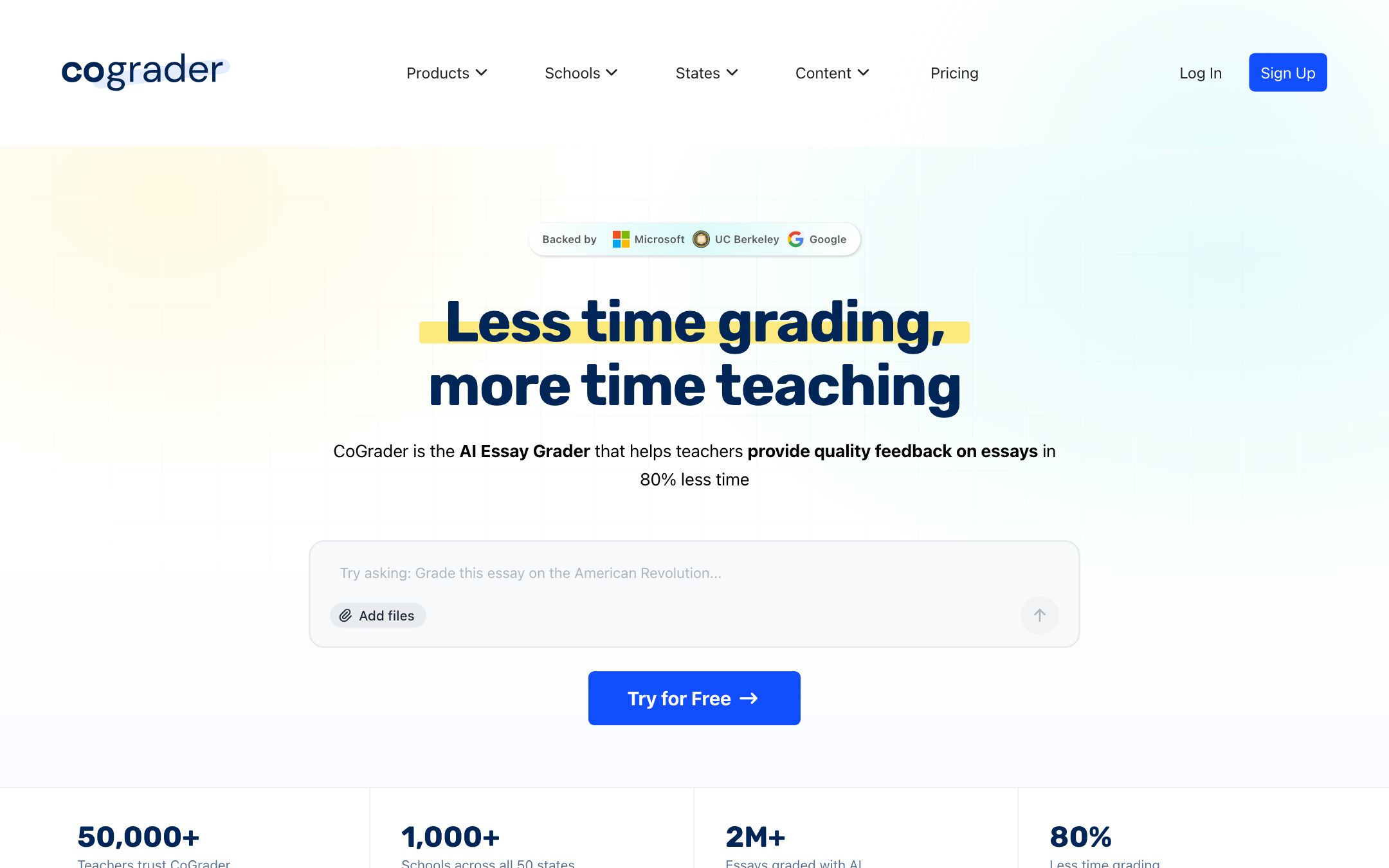
CoGrader is the most teacher-trusted essay grader we've tested. It pulls from Google Classroom and uses your rubric verbatim — not a generic version. Teachers in our cohort report 5x throughput on persuasive essay sets.
Recommend it if
You teach a writing-heavy course (ELA, History, AP Lang), grade 30+ essays per cycle, and want feedback that follows your rubric — not a chatbot's interpretation of it.
Skip it if
Your course is non-English, you grade off-rubric (gestalt grading), or your school doesn't use Google Classroom.
Quick facts
- Platforms
- Web
- Languages
- English
- School fit
- 6-8 9-12 Higher Ed
- Subjects
- ELAHistoryAP Langany essay-based course
- Time to first output
- 10 min (rubric setup) + < 1 min/essay
- Learning curve
- Moderate
- Setup
- Sign in with Google + connect Google Classroom
- Works offline
- —
Real-world use cases
How a teacher, student or parent actually puts this tool to work.
| Who | Scenario | Time | Output |
|---|---|---|---|
| Teachers | Friday afternoon — pull a 50-essay persuasive set from Google Classroom, grade against your rubric, push back inline comments before Monday. | 45 min | 50 essays graded |
| Teachers | Run AI-detection across all submissions before grading; have data-driven conversations with the 2-3 flagged students. | 5 min | AI-text report |
| Students | Self-check a draft against the same rubric your teacher uses, before submitting. | 3 min | Self-grade preview |
- Teachers
Friday afternoon — pull a 50-essay persuasive set from Google Classroom, grade against your rubric, push back inline comments before Monday.
- Time
- 45 min
- Output
- 50 essays graded
- Teachers
Run AI-detection across all submissions before grading; have data-driven conversations with the 2-3 flagged students.
- Time
- 5 min
- Output
- AI-text report
- Students
Self-check a draft against the same rubric your teacher uses, before submitting.
- Time
- 3 min
- Output
- Self-grade preview
The grading category is crowded; CoGrader wins on two specific things: it pulls submissions straight from Google Classroom (no copy-paste), and it actually uses your rubric verbatim. Teachers report 5x throughput on persuasive essay sets.
Workflow that actually works
- Connect Google Classroom → pick assignment
- Upload or paste rubric (one-time per assignment type)
- CoGrader scores + drafts inline comments
- You scroll, edit, approve in batches → push back to Classroom
What we like
- + Imports submissions directly from Google Classroom
- + Grades against your rubric, not a generic one
- + Inline comments are editable before being sent back
- + Detects likely AI-generated student writing
Heads up
- − English-language essays only at the moment
- − Premium needed for high submission volume
- − Setup of custom rubrics takes 10–15 minutes
Pricing breakdown
Pricing
Verified directly on the vendor site. We re-check every quarter.
Free
- · 50 essays graded per month
- · Google Classroom integration
- · Custom rubric upload
Pro
Most useful- · Unlimited essay grading
- · AI-text detection on every submission
- · Bulk comment editing
- · Export grade book to CSV
School
- · Bulk teacher seats with admin console
- · Aggregated department reporting
- · Signed DPA + state-specific compliance
- · Onboarding session and PD
Privacy & compliance
Privacy & compliance
What we found in the vendor's terms, DPA, and trust center. Verify with your district before deploying.
- FERPA
- Compliant
- SOC 2
- Compliant
- COPPA
- Partial
- GDPR
- Partial
- Trains on your data
- No
- Data retention
- Submissions retained only as long as the assignment exists in your Google Classroom; deleted on assignment removal.
- Hosting regions
- US
CoGrader does not train models on student writing per their published commitment. COPPA compliance applies through Google Workspace for Education.
Works with
- Google Classroom
- Google Docs
- Canvas (beta)
- Schoology (beta)
Frequently asked questions
Frequently asked questions
Will my students see CoGrader's grades or my edited grades?
Only what you push back. Nothing reaches Google Classroom until you click "Approve" — every comment is editable up to that point.
How does it handle my specific rubric?
Paste it in or upload a PDF. CoGrader maps each row to a scoring category and uses your wording verbatim in the feedback. The first setup takes 10–15 minutes per rubric type; after that, it's reusable forever.
How accurate is the AI-text detection?
Comparable to GPTZero and Turnitin on long-form essays. Treat any AI detector as a signal to start a conversation with the student, not as evidence on its own.
Does it work with Canvas or Schoology?
Beta integrations exist for both. Google Classroom is the only fully production integration today. If you're on a different LMS, the workaround is to upload essays as PDFs.
Is the grading consistent across batches?
Yes — that's the headline. CoGrader uses the same rubric prompt for every essay in a batch, so a student in submission
Tags
You might also like
When to pick it