GradeWithAI
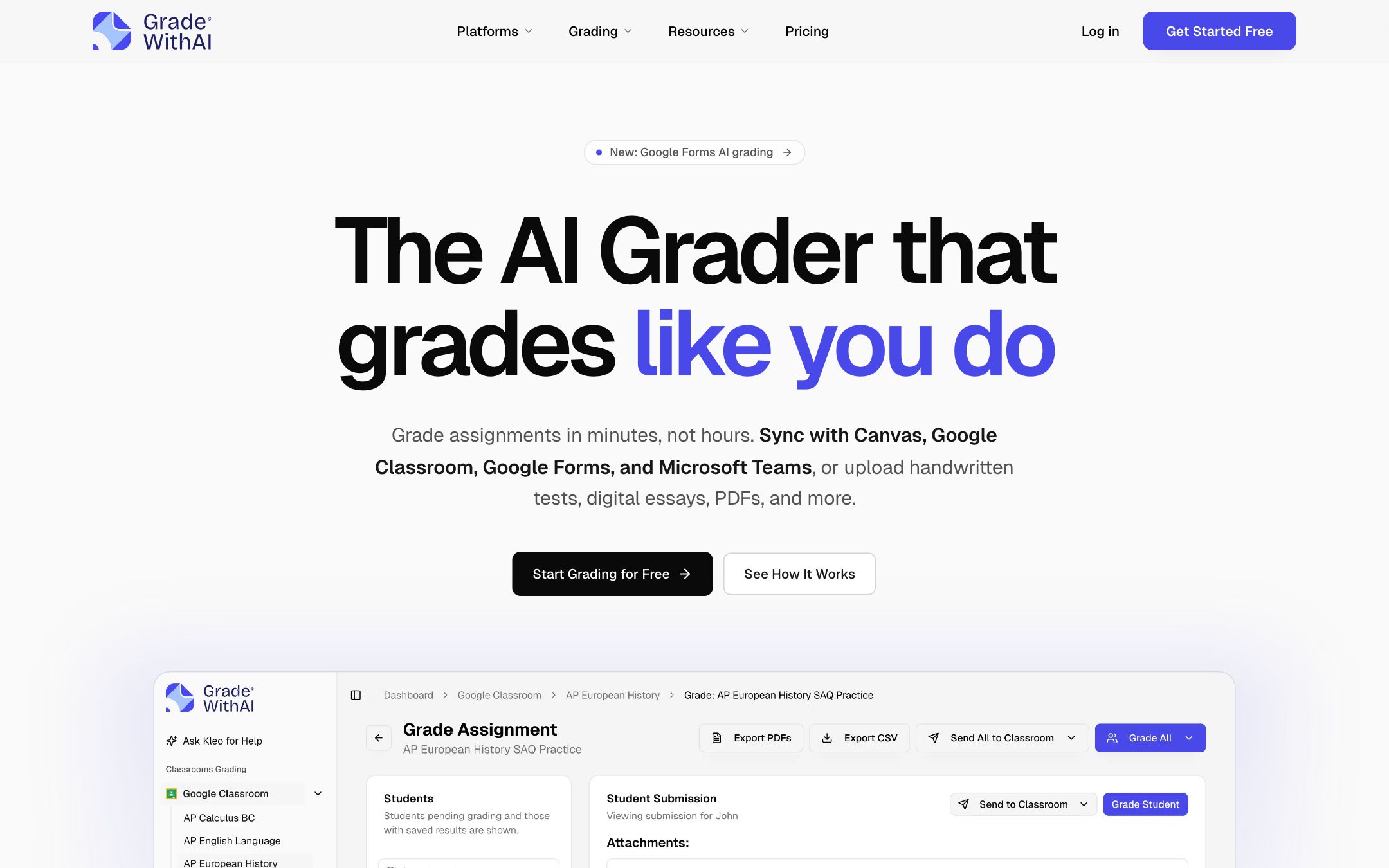
Grade Canvas, Google Classroom and handwritten tests in minutes — sync rubrics and push grades + feedback back to your gradebook in one click.
TL;DR
GradeWithAI is the cleanest LMS-native AI grader on the market. The killer move is round-trip integration — pull an assignment from Canvas, run AI grading plus AI-detection against your rubric, push grades and personalized feedback back to SpeedGrader without ever leaving the workflow. The Kleo assistant turns the gradebook into a queryable layer.
Recommend it if
You teach 4-12 or AP-level courses, your gradebook lives in Canvas, Google Classroom or Google Forms, and you want AI grading that respects your rubric instead of replacing it.
Skip it if
Your district runs on Schoology or Blackboard, your assignments are mostly multiple-choice (Quizizz or Forms cover that), or you teach K-3 (no real LMS-native need yet).
Quick facts
- Platforms
- Web
- Languages
- English
- School fit
- K-5 6-8 9-12 Higher Ed
- Subjects
- All subjects
- Time to first output
- < 5 min
- Learning curve
- Easy
- Setup
- Sign in with Google or Microsoft, connect Canvas or Classroom via OAuth.
- Works offline
- —
Real-world use cases
How a teacher, student or parent actually puts this tool to work.
| Who | Scenario | Time | Output |
|---|---|---|---|
| Teachers | Friday afternoon — pull 32 AP US History essays from Canvas, AI applies your rubric, grades return to SpeedGrader before Saturday morning. | 10 min | 32 graded essays + per-student feedback in Canvas |
| Teachers | Upload a stack of handwritten chemistry tests as PDFs; AI reads handwriting, identifies each student by name, applies the rubric and exports a CSV for the gradebook. | 15 min | Scanned-test grade sheet (CSV) + per-student comments |
| Teachers | Ask Kleo "which students struggled with claim-evidence-reasoning this unit?" — get a list with per-student next steps and draft parent emails. | 2 min | Intervention list + drafted parent emails |
- Teachers
Friday afternoon — pull 32 AP US History essays from Canvas, AI applies your rubric, grades return to SpeedGrader before Saturday morning.
- Time
- 10 min
- Output
- 32 graded essays + per-student feedback in Canvas
- Teachers
Upload a stack of handwritten chemistry tests as PDFs; AI reads handwriting, identifies each student by name, applies the rubric and exports a CSV for the gradebook.
- Time
- 15 min
- Output
- Scanned-test grade sheet (CSV) + per-student comments
- Teachers
Ask Kleo "which students struggled with claim-evidence-reasoning this unit?" — get a list with per-student next steps and draft parent emails.
- Time
- 2 min
- Output
- Intervention list + drafted parent emails
GradeWithAI is the cleanest LMS-native AI grader available right now. The killer move is round-trip integration: pull an assignment from Canvas or Google Classroom, run AI grading plus AI-detection against your rubric, and push grades + personalized feedback back to SpeedGrader without ever leaving the workflow.
The Kleo assistant turns the gradebook into a queryable layer — “which students struggled with the thesis statement?” returns a real list with concrete next steps, not a chart.
Workflow
- Connect Canvas / Google Classroom via OAuth, or upload a folder of PDFs and images
- Generate a rubric from the assignment text, or paste your own
- Review AI-graded submissions (edit any score or comment), then push to the gradebook in one click
What we like
- + Round-trip LMS integration — pull assignments from Canvas, Google Classroom, Google Forms or MS Teams, push grades + feedback back in one click
- + Reads handwriting and auto-extracts student names from scanned PDF batches
- + Kleo AI assistant lets you query the gradebook in plain English ("draft a parent email for Sarah", "which students struggled with the thesis?")
- + Free tier with 25 AI requests/month, no credit card; Pro is a flat $20/mo
- + Built-in AI-detection score on every submission (Pro)
Heads up
- − SOC 2 is "Type II aligned controls" — they ride on Vercel/Supabase certifications, not directly certified themselves
- − Pro is monthly-only; no annual discount listed
- − Marketing page only documents English; multilingual support not stated
- − Microsoft Teams integration requires the Schools plan (custom pricing)
Pricing breakdown
Pricing
Verified directly on the vendor site. We re-check every quarter.
Free
- · 25 AI requests/month
- · Canvas, Google Classroom and Google Forms integration
- · Handwritten assignment support
- · AI rubric generation
- · Unlimited Kleo AI assistant
Pro
Most useful- · Unlimited AI requests
- · Automated batch grading of submissions
- · AI-detection score on every submission
- · Custom grading instructions
- · Everything in Free
Schools & Districts
- · Microsoft Teams integration
- · Bulk user management + admin dashboard
- · SSO / SAML authentication
- · Dedicated onboarding and training
- · Everything in Pro
Privacy & compliance
Privacy & compliance
What we found in the vendor's terms, DPA, and trust center. Verify with your district before deploying.
- FERPA
- Compliant
- SOC 2
- Partial
- COPPA
- Compliant
- GDPR
- Unclear
- Trains on your data
- No
- Data retention
- Audit logs retained at least 12 months; teachers retain control over assignment and grade data.
- Hosting regions
- US
Hosted on Vercel and Supabase (both SOC 2 Type II certified). All subprocessors are US-based (Supabase, Vercel, OpenAI, Anthropic, Stripe). Also self-reports SOPIPA compliance.
Works with
- Canvas
- Google Classroom
- Google Forms
- Microsoft Teams
- Google Workspace
- Microsoft 365
Frequently asked questions
Frequently asked questions
Which LMS does it work with?
Canvas, Google Classroom and Google Forms on every plan. Microsoft Teams is included in the Schools plan. Sync is round-trip — assignments pulled in, grades and feedback pushed back automatically.
How does the Free tier compare to Pro?
Free gives you 25 AI requests/month and every integration, enough to evaluate. Pro is $20/month for unlimited requests, automated batch grading, AI-detection on every submission, and custom grading instructions. Schools plan adds SSO, Microsoft Teams, bulk teacher seats and an admin dashboard.
Can it grade handwritten work?
Yes. Upload a PDF of scanned handwritten work; the AI reads handwriting, identifies each student by name, applies your rubric and lets you edit any score before pushing to the gradebook.
Is student data used to train AI models?
No. The team has data-processing terms with OpenAI, Anthropic and Google that prohibit training on customer data. This applies to both grading and AI-detection.
How does it compare to CoGrader or Gradescope?
CoGrader has similar Canvas / Classroom round-trip but lacks AI-detection and the Kleo assistant. Gradescope is the higher-ed standard for exam-style rubric grading and peer-grading, but doesn't do LLM-style feedback. GradeWithAI sits between them — modern AI feedback plus LMS sync, currently strongest for K-12 essays and short-answer.
Tags
You might also like
When to pick it
CoGrader
★Grading & Feedback
Cuts essay grading time by ~80% with rubric-aligned AI feedback you can edit.
You want a leaner, single-purpose Canvas / Classroom grader without AI-detection or an assistant layer.
Gradescope
Grading & Feedback
AI-assisted grading for handwritten exams, code, and essays — with consistency built in.
You're in higher-ed STEM teaching exam-heavy courses and need rubric-based exam grading with peer-grading workflows.